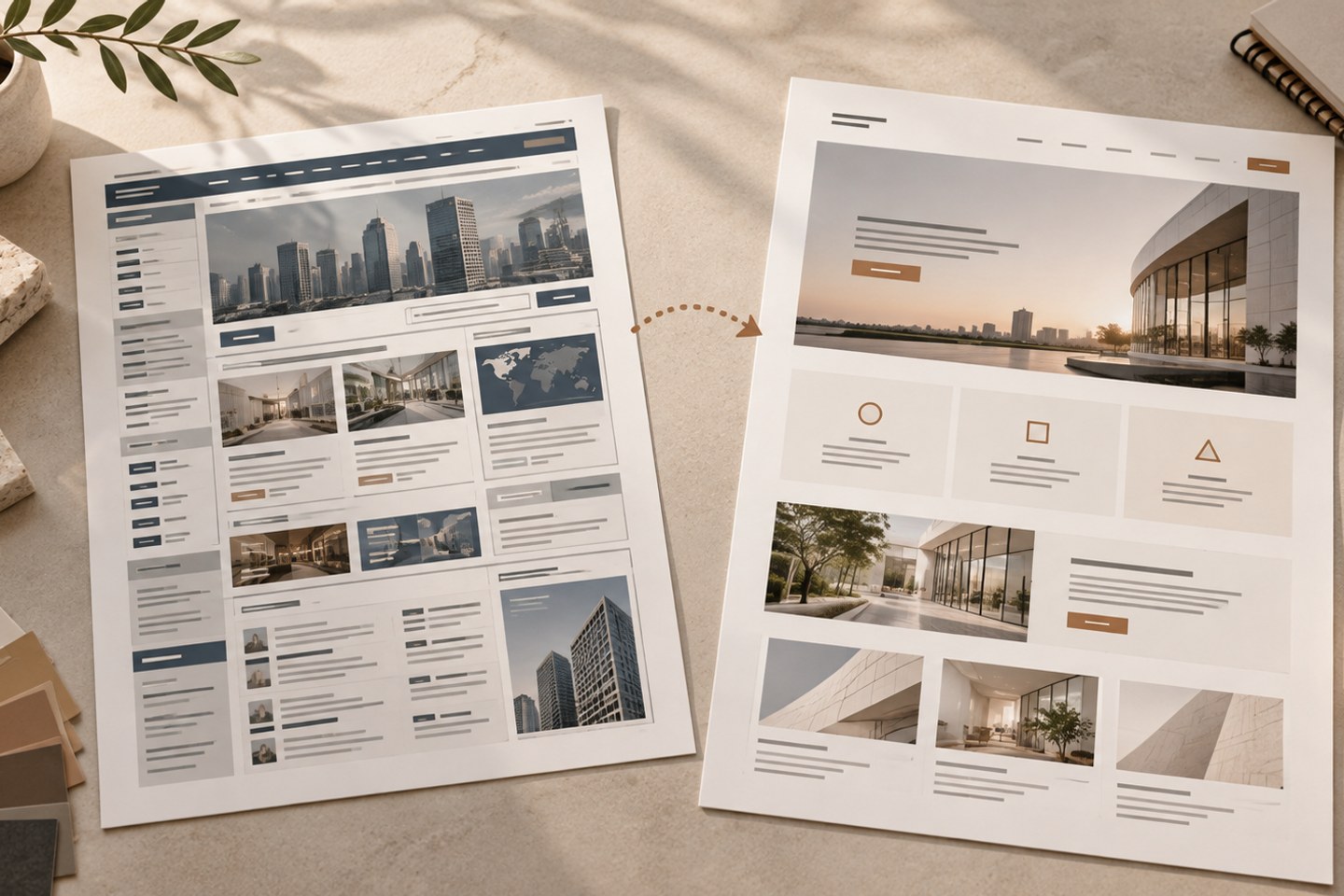
Whether a business website needs a redesign depends on whether it clearly presents current services, supports key visitor tasks, and can be maintained reliably. A dated appearance alone is not enough to justify rebuilding the whole site. Audit the pages to keep, improve, or remove before planning URLs and acceptance checks.
If URLs will change, prepare a mapping from old URLs to new ones before design and development. Google's site move guide recommends testing the new site and mapping URLs before redirecting the old ones.
Identify whether the issue is content, usability, or technical
Outdated content, changed services, difficult mobile interactions, broken forms, inconsistent performance, or a restrictive update process are concrete signals to investigate. Record affected pages, users, and possible smaller fixes.
If the core problem affects only a few pages, a focused update may be more appropriate than a full rebuild. Consider a broader redesign when positioning, content categories, and shared templates all need to change.
Record a baseline before work begins
Save the current page list, form flow, common inquiries, search impressions and clicks, important URLs, and organic landing pages. Record usability issues on mobile and desktop so the redesign preserves useful behavior rather than comparing appearance alone.
Start with customer tasks and trust information. Use B2B website trust content to check whether the new structure explains service scope, verifiable evidence, and the engagement process.
Decide which pages to keep, combine, rewrite, or redirect
Audit each old URL and record traffic, external links, purpose, and its proposed replacement. Keep or improve useful pages; consider combining pages only when they serve the same need. Handle retired content according to its status instead of redirecting every old URL to the home page.
When URLs change, create a one-to-one redirect map and avoid chains, errors, or mismatched destinations. Keeping existing URLs reduces migration work, but still review canonicals, internal links, language versions, and the sitemap.
Review the site before and after launch
Before launch, test navigation, forms, language switching, 404 pages, titles, descriptions, canonicals, structured data, and redirects on key devices. Send a real test through external form or email services and confirm delivery.
After launch, monitor 404s, server errors, indexing status, and changes to impressions on important pages; do not judge the result from one day's data. Use the Mobile First review to check readability and interactions on small screens. If the audit points to a redesign, review CXDIGI’s corporate website design and build service to clarify the requirements and launch deliverables.
To apply these ideas to your website, contact CXDIGI. We can help you identify priorities and plan your next steps.
Frequently asked questions
Does a redesign have to change URLs?
No. Keeping clear, functional URLs reduces migration work. Change them only when the current structure or a technical limitation requires it.
Can all old pages redirect to the home page?
That is not recommended. Find the most relevant replacement for each old URL. If there is no suitable page, handle it according to the page's status so visitors and search engines are not misled.
Will search traffic return immediately after a redesign?
There is no fixed recovery time or ranking guarantee. Search engines need to recrawl and process pages. Check redirects, crawling, and content mapping first, then review data over an adequate period.